
Windows 11 is finally getting a handy Bluetooth headphone sharing feature for some – here's how it works
If you've ever watched a movie with your partner or a friend, together on the same laptop while travelling, and wished there was a way to share the audio wirelessly over two sets of headphones in Windows 11, you're in luck.
Microsoft's just deployed a new preview (build 26220.7051), which introduces the 'shared audio' feature that does exactly this over Bluetooth. There are some caveats that will rule most folks out for now – though in time, we can expect a wider rollout outside of testing.
For those who can benefit, though, this is going to be a really useful new feature that means you can share the sound while watching a movie, or listen to the same music from your favorite streaming service, via your Copilot+ laptop.
And yes, this is the main catch – you will need a Copilot+ PC (with an NPU), and this won't work on Windows 11 laptops without that powerful NPU. Your laptop must also support Bluetooth LE Audio, as must both sets of headphones.
For those who can use audio sharing, it'll make a much better solution than having to use wired headphones with a splitter – or indeed physically sharing one earbud each (which is far from the most hygienic solution, of course).
So how does this feature work exactly? Let's explore that next.
How does shared audio work in Windows 11?
As Microsoft outlines in a more detailed blog post fully explaining the shared audio feature, you can use shared audio via the quick settings panel (off the system tray, on the Windows 11 taskbar). It has its own tile in that panel called 'shared audio' which is marked as still in preview currently – and remember, because this functionality remains in testing, it might not work properly.
To use it, all you need to do is click on the 'shared audio' tile, and then you'll be presented with a list of detected audio devices to which your Windows 11 PC can pipe audio. Just select the two you want, and click the 'Share' button. To finish a sharing session, there's a 'Stop sharing' button, so this is a snap to use.
Remember that your laptop and headphones must all support Bluetooth LE Audio, and you must have a Copilot+ PC for this feature to be available in Windows 11.
Also, in preview, support is currently very limited to just Microsoft Surface devices (with Snapdragon X chips). You'll only get this ability in testing if you have a Surface Laptop 7 (13.8-inch or 15-inch) or Surface Pro 11 (13-inch or their 'for business' equivalents).
A bunch of Samsung laptops are also going to be supported soon, and other Surface devices, as follows:
By the time this ability reaches the full version of Windows 11, there should be a good deal more Copilot+ PCs supported – but this is only inbound for those devices. Traditional Windows 11 PCs won't get it, unfortunately (though that could change down the line, too).
Mac owners can share audio in this way, but it's a little fiddly in macOS, and is achieved by the Audio MIDI Setup app, where you can use the functionality to Create Multi-Output Device. You'd think Apple might move to make this more seamless, particularly with Microsoft making this introduction for Windows 11.
Follow TechRadar on Google News and add us as a preferred source to get our expert news, reviews, and opinion in your feeds. Make sure to click the Follow button!
And of course you can also follow TechRadar on TikTok for news, reviews, unboxings in video form, and get regular updates from us on WhatsApp too.
How It works
Search Crack for
Latest IT News
Latest cracks
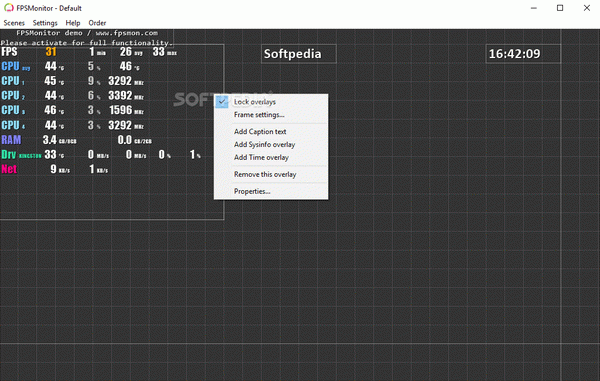
Monitor your FPS and a wide range of hardware parameters while gaming, with this intuitive and extensively customizable application
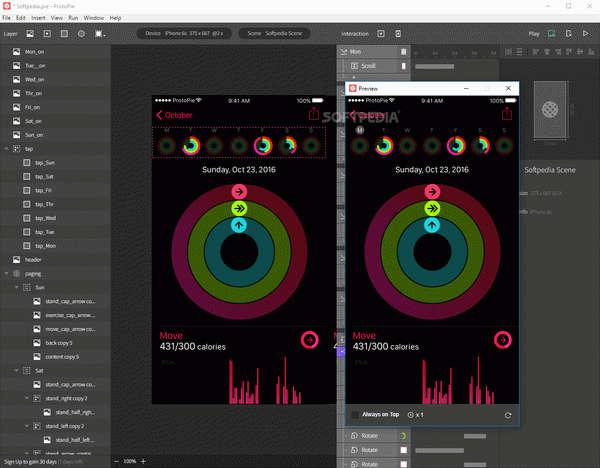
Develop complex applications for iOS devices with the help of this comprehensive and user-friendly piece of software for prototyping